A terminal
ah, above. One file, no dependencies, credentials it
manages for you, and an exit code per failure so a script can tell
a missing key from a refused one.
One command. artifact-hub keeps the bytes and serves them back inline, so the link you hand to someone renders in their browser instead of landing in their downloads folder.
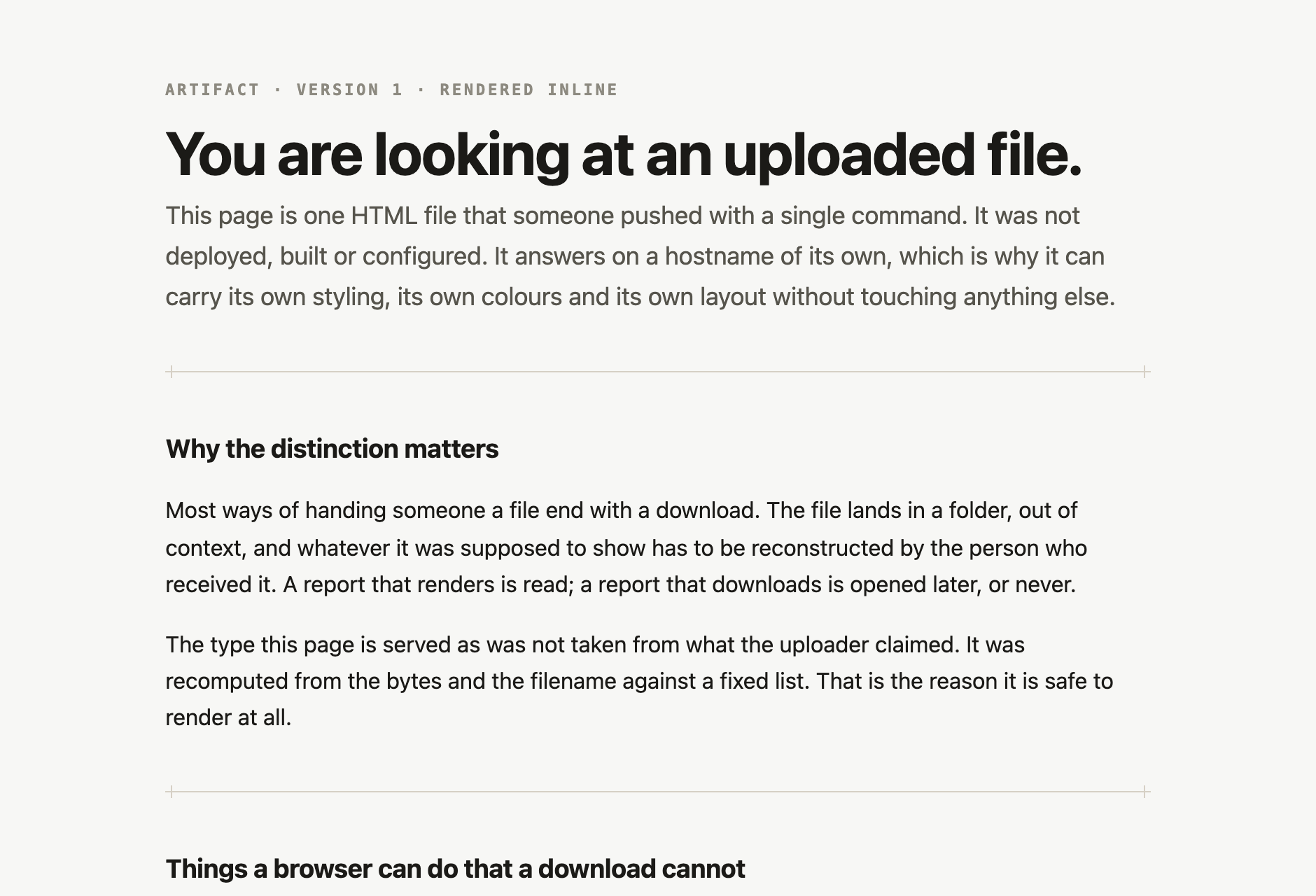
ah upload report.htmlhttps://breezy-anchor-766lz23ojurv6gxdl6g7zns4vu.artifacthub.link/That is not an illustration. It is a live artifact, and it is the page in the frame below.
The link, opened
Getting it
ah
is a single file of plain JavaScript with no dependencies at all. You
can read the whole thing before you run it, which is the only honest
argument for downloading a program from a website.
mkdir -p ~/.local/bin
curl -fsSL https://artifacthub.link/ah.mjs -o ~/.local/bin/ah
chmod +x ~/.local/bin/ahah login
ah login
opens a consent screen, mints a key and writes it to a
0600
file. The key is never printed, never passed as a flag, and never
reaches your shell history. On a machine with no browser — a VPS, a
container, an SSH session —
ah login --device
prints a URL and an eight-letter code you open on anything, a phone
included. Nothing is ever pasted back into the terminal, which is the
point: a credential typed into a session is a credential in that
session's log. Needs Node 18 or newer, and nothing else.
Or skip the install
curl -sS --fail-with-body -T report.html \
  -H "Authorization: Bearer $ARTIFACT_HUB_TOKEN" \
  https://api.artifacthub.link/v1/report.html
This needs a key in
ARTIFACT_HUB_TOKEN
that you issue from
your keys page
and then keep somewhere yourself — which is the step
ah
exists to delete. Everything below is reachable this way too, as query
parameters; the
machine-readable spec
is the reference.
What that gets you
Every artifact answers on a subdomain of its own,
<id>.artifacthub.link. A published page is a
browser origin apart from every other artifact and from the
dashboard, so it can render freely without reaching anything else.
The served content type is recomputed from the bytes and the filename against a fixed allowlist — never taken from whatever the uploader claimed. HTML, PDF, images, audio, video, CSV, JSON and plain text all open in place.
Push the same file from the same place and the URL does not move: the version behind it increments instead. Push bytes that have not changed and not even that happens.
The rest of it
Publishing is one command out of eight.
ah
also files, finds, moves and retires what is already there, and every
command takes
--json
when something else is reading.
ah upload chart.png --path reports/2026 --expires 7d
ah ls reports/2026
ah list --q invoice --sort updated --starred
ah move 3k9m2xq7wp4v archive/2025
ah delete 3k9m2xq7wp4vRe-publishing from the same session or the same directory keeps one link and adds a version behind it. That is worked out on your machine, from where you are and what you are doing — a server cannot know either, so this is the one thing the raw API cannot do for you.
--path reports/2026
files an artifact on the way up.
ah ls
reads the tree back without creating anything, so a typo is an
error rather than a new empty folder.
--expires 7d
on the way up, or
never
when it should outlive you.
ah delete
retires a link properly: it answers
410 Gone, which says the thing existed, rather than
pretending it never did.
Three doors
ah, above. One file, no dependencies, credentials it
manages for you, and an exit code per failure so a script can tell
a missing key from a refused one.
For Claude Code there is a skill: with it installed,
“publish this and give me the link” is the whole
instruction. It resolves the credential itself, runs
ah login
when there is none, and refuses to put a token anywhere a
transcript can reach.
Anything else speaks plain HTTP on
https://api.artifacthub.link. The behaviour summary and the spec
are the documentation — there is no third thing to read.
Sign in to browse what you have published, drag things into folders, issue and revoke API keys, and delete an artifact when you are done with it.